Output Guardian — The Complete Guide
The watchdog layer that checks every scheduled job actually produced an artifact — not just 'ran successfully'
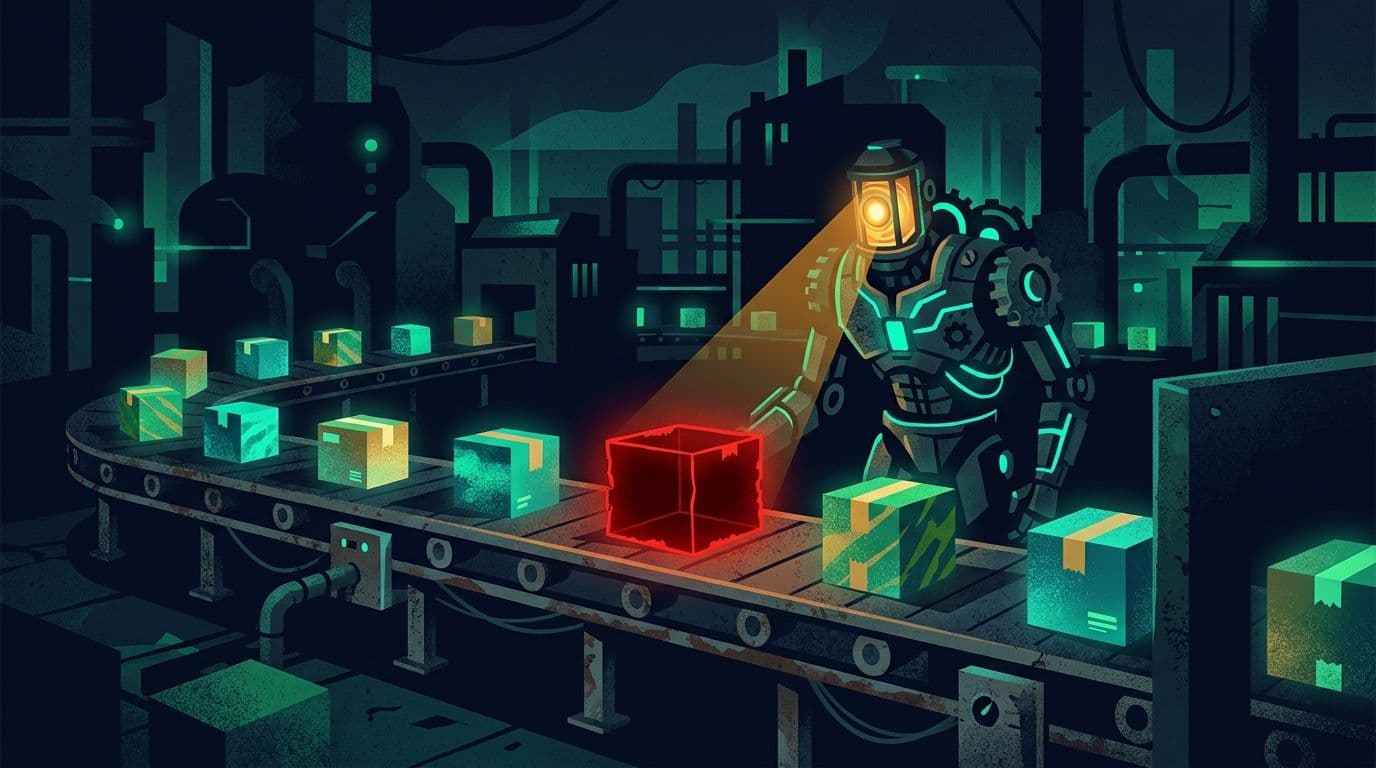
The output guardian is a monitoring pattern (a watchdog — a small piece of software that keeps an eye on other processes) born from an uncomfortable insight: the most dangerous failure in an autonomous system isn't the one that screams — it's the one that stays silent. A scheduled job can run every day, finish without a single error, and look 'green' in every log — while producing absolutely nothing: the backup doesn't actually back up, the report doesn't actually get sent, the file doesn't actually get written. The output guardian closes exactly that hole: at a fixed cadence it walks over every scheduled job in the network and asks one simple question — not 'did the process run?' but 'was a real artifact produced?' — a file that was updated, a record that was written, a message that was sent. If a job 'ran successfully' but the artifact is missing, a direct alert goes to the phone. For me (Elad), the guardian watches over every scheduled job in my agent network — and it has already proven itself by catching jobs that looked perfectly healthy while producing nothing. For you — it's the same principle for any automation you run: backups, reports, syncs. If you have even one scheduled process you care about, it deserves an output guardian.
What this guide covers
What is an output guardian?
The watchdog that checks the shelves, not the oven
The output guardian is a small monitoring process that runs at a fixed cadence and walks over every scheduled job in the system. For each job, what it's supposed to produce is defined up front, along with a time window — an updated backup file, a daily report that was sent, a record written to the database. The guardian checks the artifact itself, not the process. If a job ran 'successfully' but the artifact is missing or stale — that's exactly the silent failure it was built to catch, and an alert goes out. It complements the verify-on-result step of the autonomy stack: verification checks a single task the moment it runs, while the guardian checks the whole picture over time.
Three levels of truth — ran, succeeded, produced
Each level catches failures the previous one misses
To understand why an output guardian is essential, you need to distinguish three different levels of truth. Level 1 — 'ran': the process started and finished without crashing (exit code 0). Level 2 — 'succeeded': a verification step confirmed the task achieved its immediate goal (that's the verify-on-result of the autonomy stack). Level 3 — 'produced': a tangible, fresh, non-empty artifact exists in the world. Most systems stop at level 1. Good systems reach level 2. But only level 3 gives real confidence — because it checks the thing that ultimately matters: the artifact.
Check types — how to test 'there's an artifact'
A file, a record, a log line, a message — every job gets its own check type
An 'artifact' looks different for every job, so a good output guardian supports a handful of simple check types. What they all share: they test something tangible and objective, with a time window (freshness — how recent the artifact is). The definition per job is a line or two in a config file: the check type, where to look, and the allowed time window. That's all it takes to turn a 'blind' job into a supervised one.
Alerts — straight to the phone, without flooding
A real alert when there's a gap, complete silence when there isn't
An output guardian that floods you with alerts will be ignored within a week — and then it's worthless. So the alerting side matters as much as the checking side: an alert goes out only for a real gap ('ran but produced nothing'), it reaches the owner's phone directly via Kami, and it respects Shabbat and holidays plus a cooldown period — the same fault won't nag you again every hour. Gaps are also recorded to a central attention inbox, so the CEO Loop briefing can gather them in the morning.
Real-world examples — where it catches things
A backup, a daily report, a scheduled scan, a content pipeline
The best way to feel the value of an output guardian is through the classic cases where it catches a failure no other layer would have caught. What they all share: a process that ran 'successfully' over time, without a single error — and without producing the thing it exists for. These aren't theoretical scenarios; they're the most common silent-failure patterns in any automated system.
Integration — how to adopt an output guardian yourself
Start with one critical job, expand gradually
As in every guide — don't wrap the whole system on day one. The order: pick the job that would hurt most to discover failed too late (almost always: the backup), define one artifact check for it, and wire an alert to the phone. Live with it for a week, calibrate the time window, and only then add the remaining jobs. The output guardian plugs into the wider network: it reads from the outcome ledger, reports via Kami, feeds the CEO Loop briefing, and hands Aurora raw material for spotting failure patterns.